

How it works?
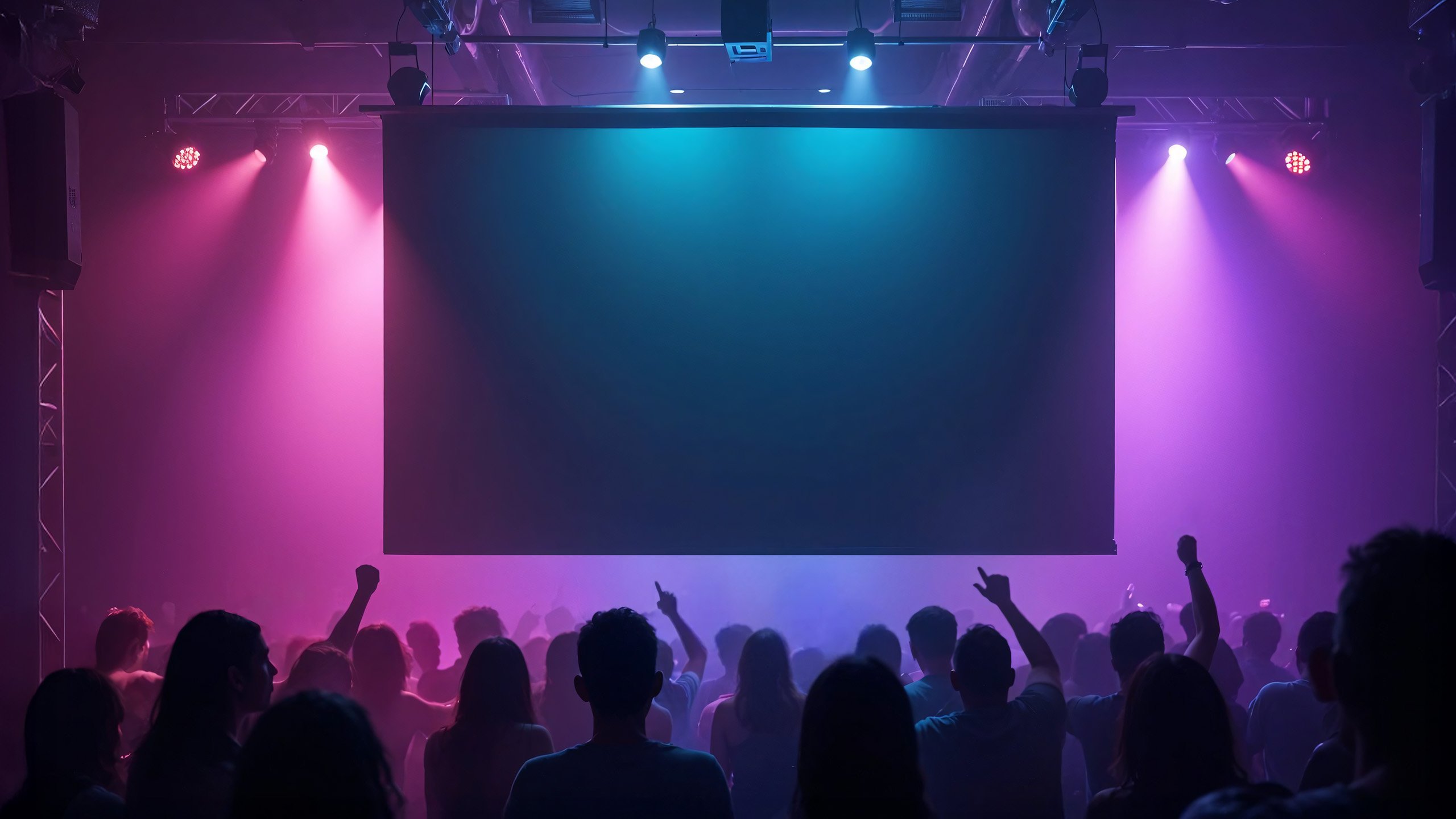
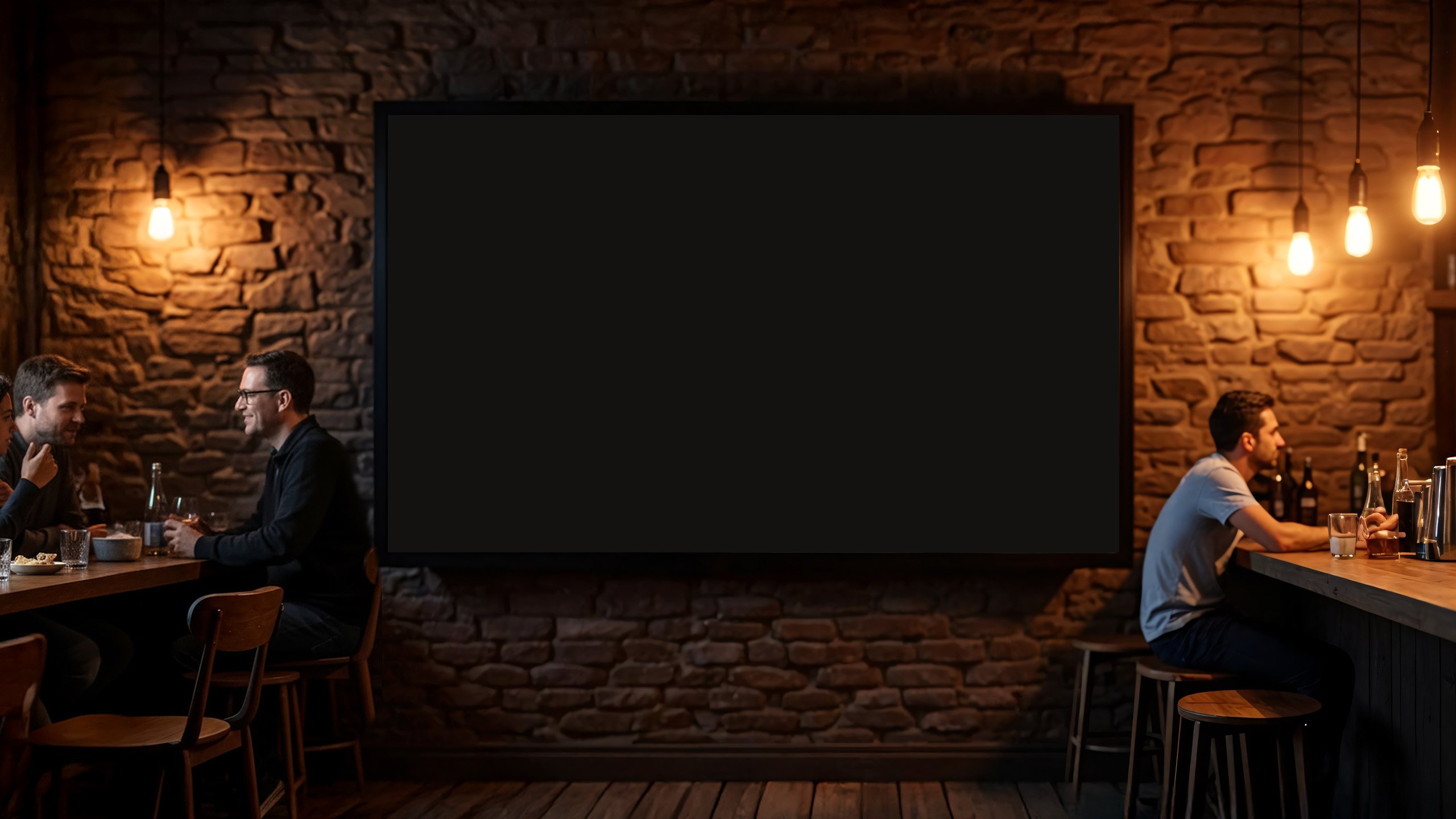
A screen at the party
Your party needs a TV, screen or projector — any way to show the images to your guests.
The gallery runs
Open your gallery in the browser on the TV. This page shows the processed photos and the QR code is visible right away.
Guests scan the QR code
They just point their camera and land straight on the selfie upload page.
Automatic styling
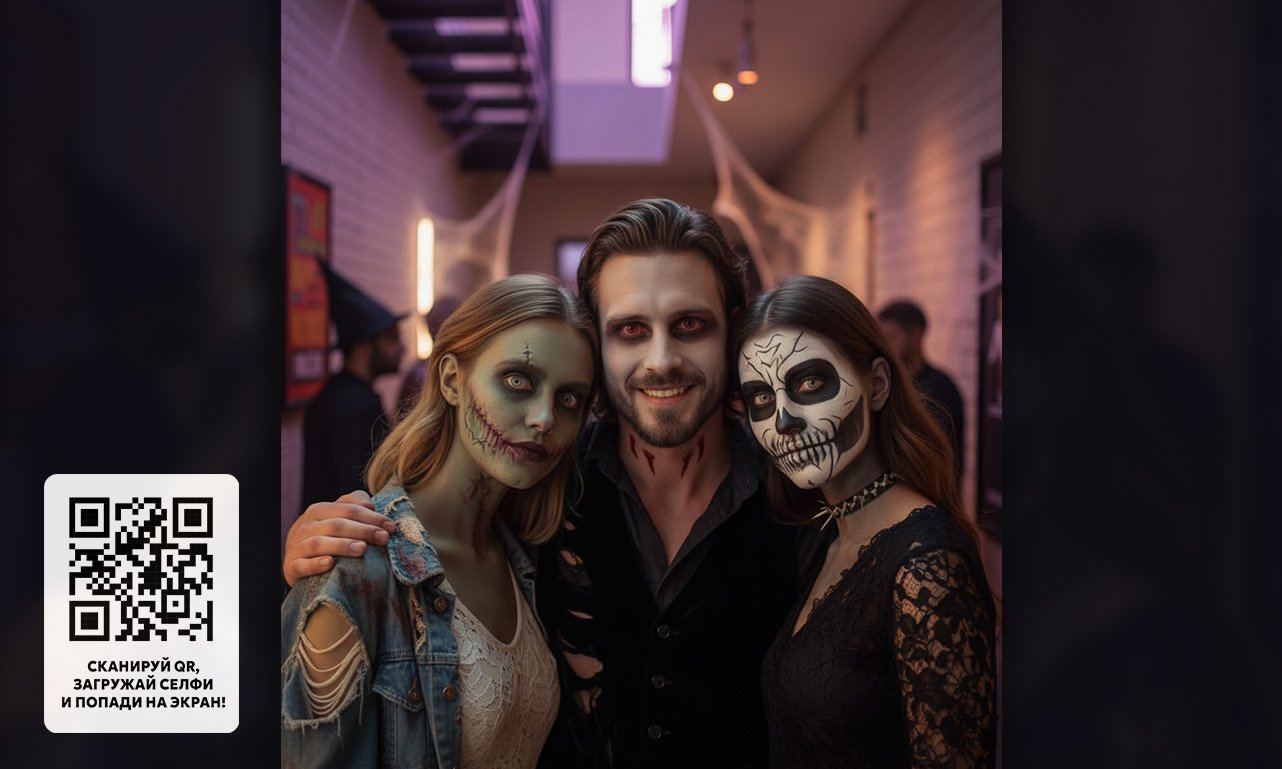
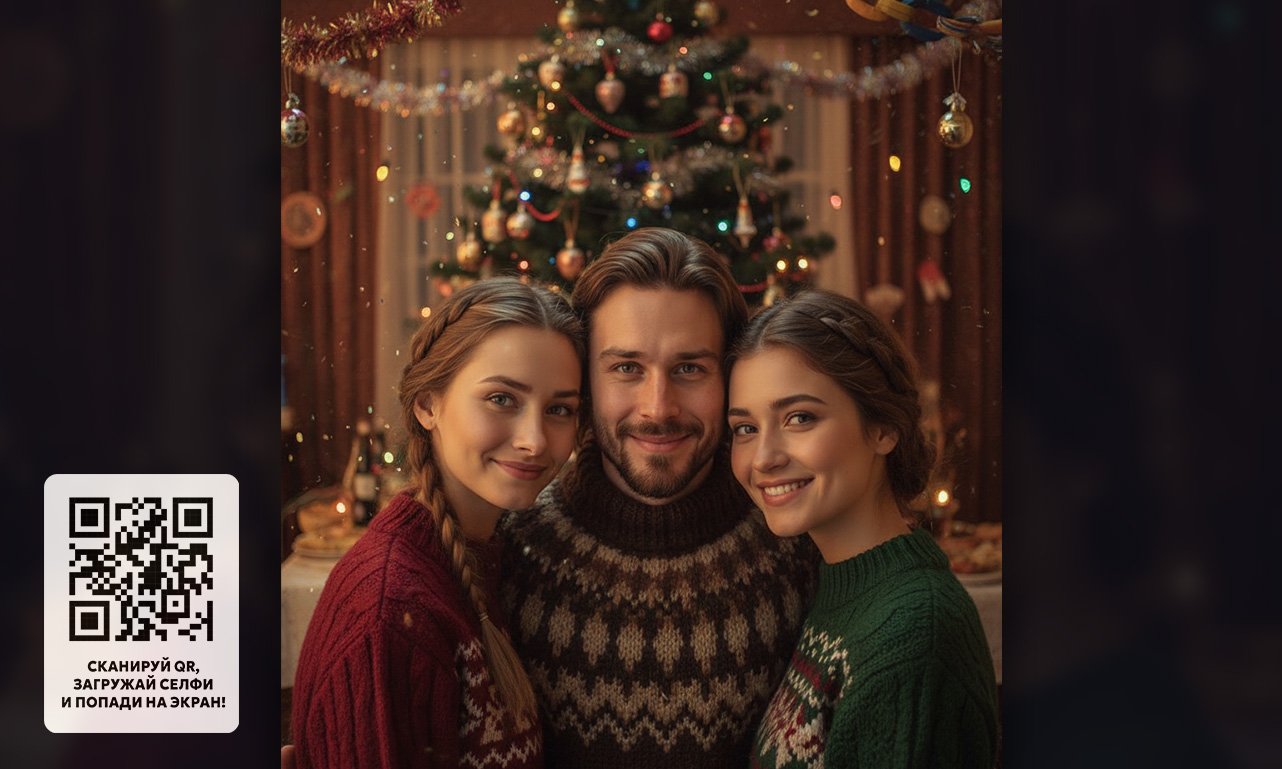
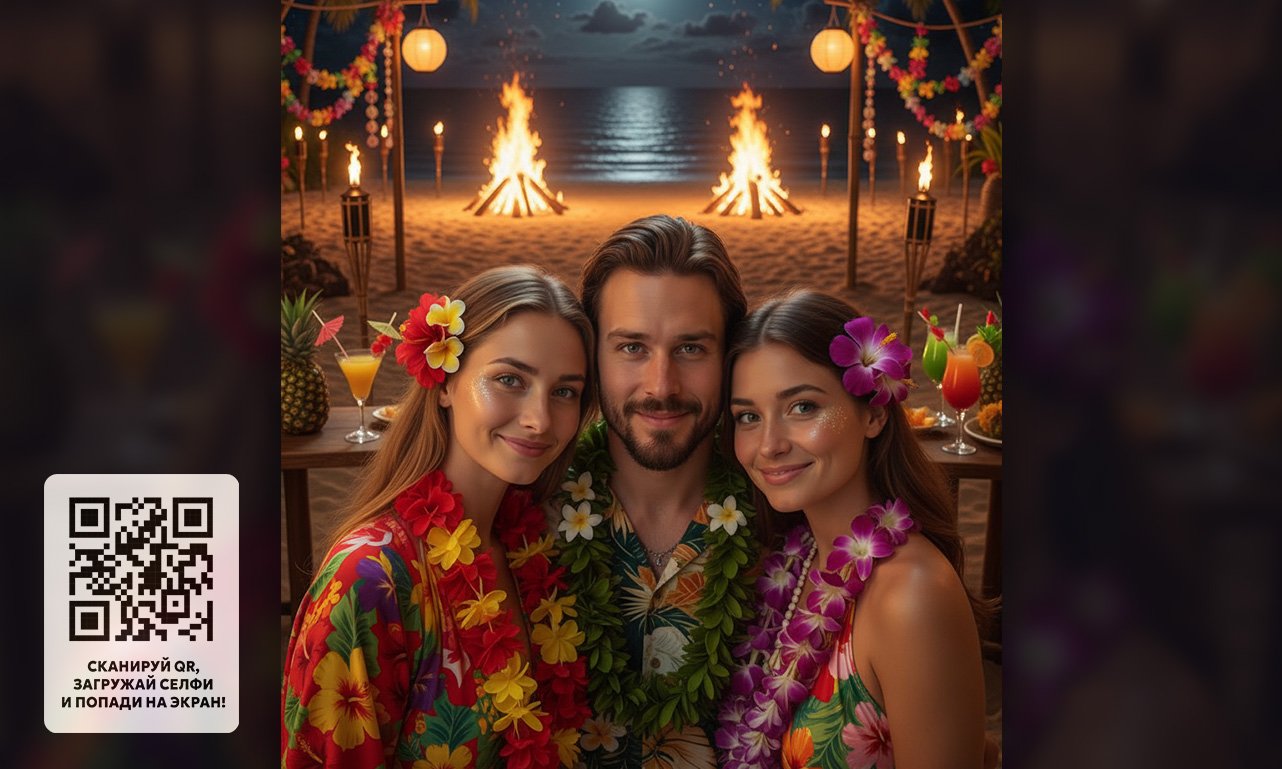
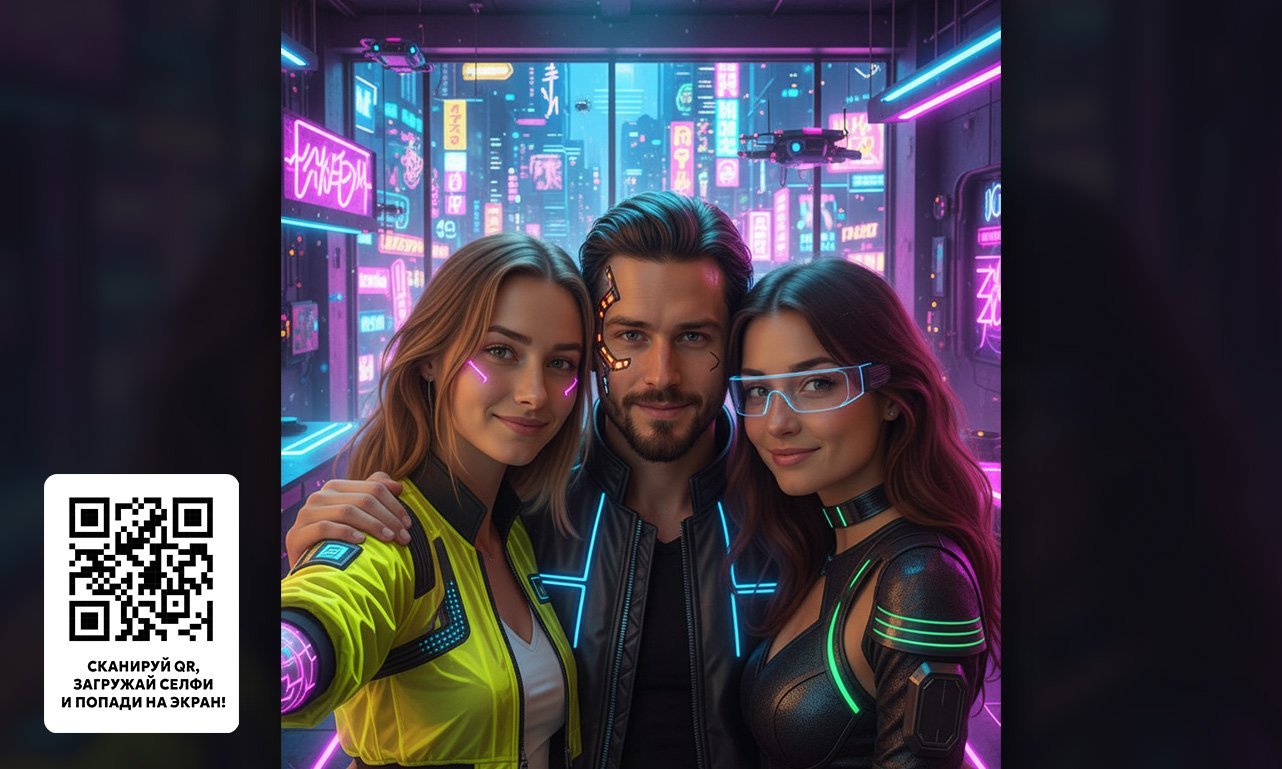
The photo is automatically styled to the chosen theme: Halloween, Hawaii, Cyberpunk and more.
Photo on the big screen
The styled image instantly appears in the gallery — guests love it!
How to launch your event
Why is it a WOW effect at your event?
Guests love it!
They see themselves as the party's own characters.

Neural networks in action
Selfies turn into AI art with no extra effort.
And for anyone who has never dealt with AI, the result is especially striking!
Simplicity
QR code — selfie — photo on screen.
All in seconds.

Moderation
The admin panel lets you control which photos go live.
A photo to keep
Guests can download their styled photo straight to their phone.
They share on social media
Guests post their party photos, expanding the event's reach.
Perfect for any event
Your virtual AI photo booth creates unique looks for every guest
 Birthdays
 Themed parties
 Club nights
 Corporate events
 Graduations
 Weddings
Make your celebration special — let your guests keep not just the memories, but their photos in awesome looks!
Launch your galleryPricing
Summer sale
Basic
- The gallery runs for the whole party
- Unlimited photos
- List of ready-made themes
- Support
Standard
- The gallery runs for the whole party
- Unlimited photos
- List of ready-made themes
- Support
Premium
- The gallery runs for the whole party
- Unlimited photos
- List of ready-made themes
- Custom individual template for your event
- Support
Pricing is designed for events of about 10–40 people
Frequently asked questions
And to moderate the uploaded photos, the moderator only needs a phone.
Guests take part without registering: they scan the QR code, send a selfie, and their photos appear on the screen right away.
In that case you need to contact a manager.
However, we sometimes run promotions and give new users bonus minutes for testing. Sign up and check whether bonus test minutes are available to you right now.
For events under an individual plan, a preliminary test of the system together with a manager is included. That time is not counted toward your paid plan — you only pay for the actual usage period at the event itself.
After registration you get a personal dashboard where you create projects. A project is a single event (party) for which a gallery is launched.
Through the dashboard you manage the project: start it, pause it and control how the gallery runs.
When the project is running:
- a QR code is shown on the screen,
- guests scan it and send selfies,
- the neural network processes the photos and they appear on the screen,
- guests can also download their processed images.
- the QR code disappears from the screen (but already processed photos stay on screen),
- guests can no longer send photos,
- selfie processing in the neural network is temporarily stopped.
Only the TIME when selfie submission to the neural network is enabled is billed — that is, when the project is running and guests can upload photos.
At that very moment the plan's time starts counting. The on-screen gallery can keep running throughout the whole event — even when the time is up and guests can no longer upload new selfies. Billing is per-minute and depends on the chosen plan.