Party theme: Retro New Year
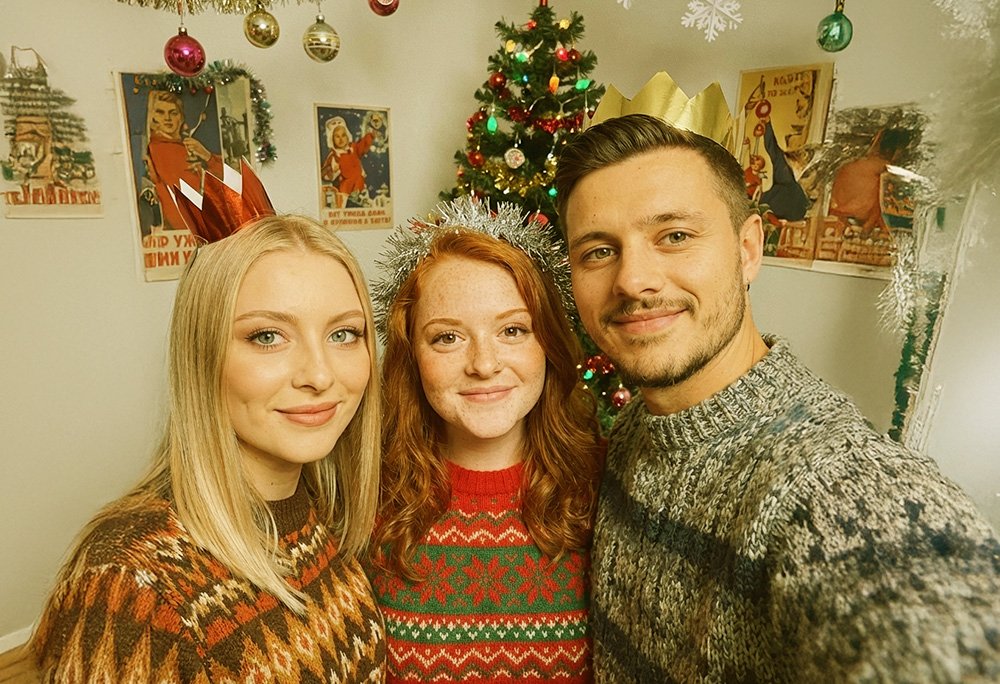
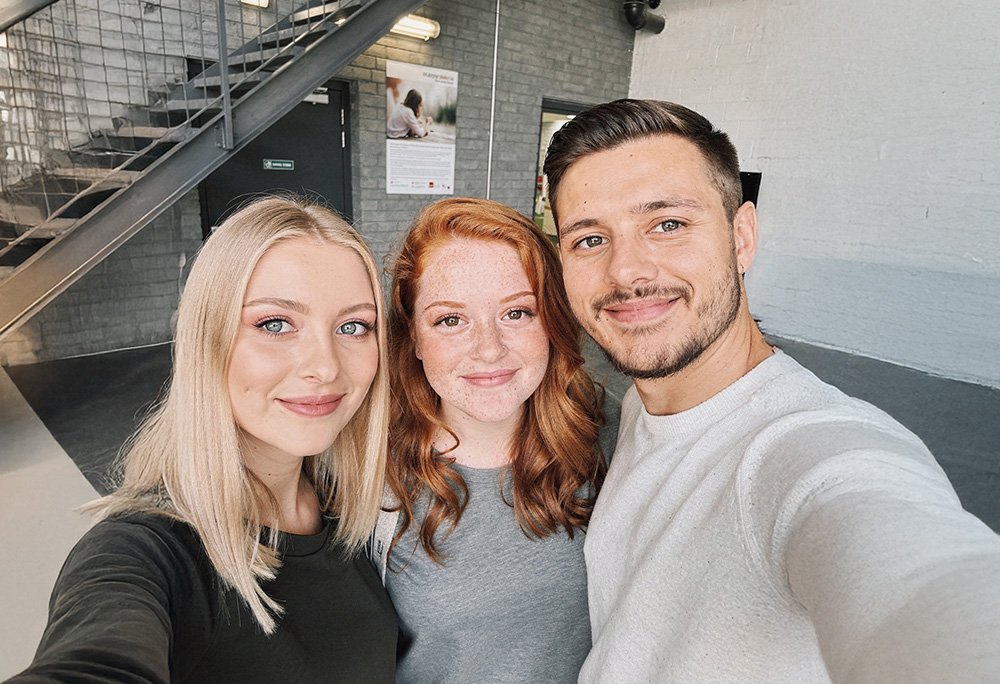
Guests are transformed into cozy knitted sweaters from the 1970s Soviet era, surrounded by vintage holiday decorations.
Guests take a selfie → the neural network turns them into party characters → the photo instantly appears on the big screen. No queues, no hassle.
The process couldn't be simpler — a guest spends 20 seconds from selfie to result on screen
A QR code is shown on the party screen. A guest points their phone camera and lands straight on the upload page.
Right in the phone browser they take a photo (or upload one from the gallery). If the organiser allows it, the guest picks a style: Halloween, Steampunk, Hawaii, etc.
The neural network processes the photo. The guest sees a processing progress bar.
The styled photo appears on the guest's phone, and they can download it right away
.
And at that same moment the photo automatically appears on the big screen!
A guest takes an ordinary phone photo — the neural network turns them into a character of the party theme while keeping the face recognisable
Guests are transformed into cozy knitted sweaters from the 1970s Soviet era, surrounded by vintage holiday decorations.
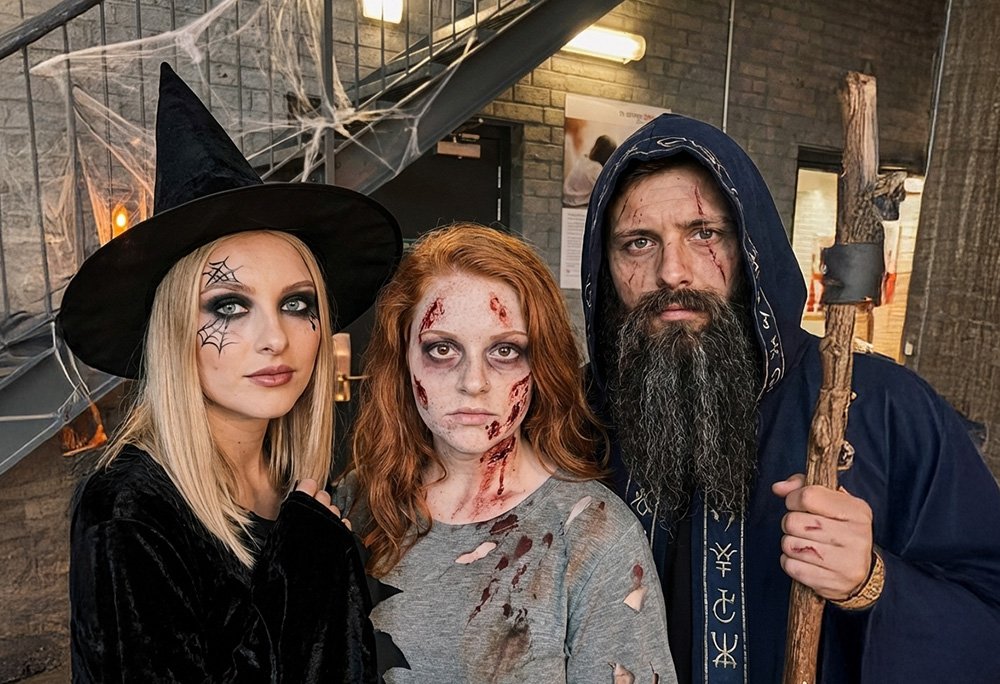
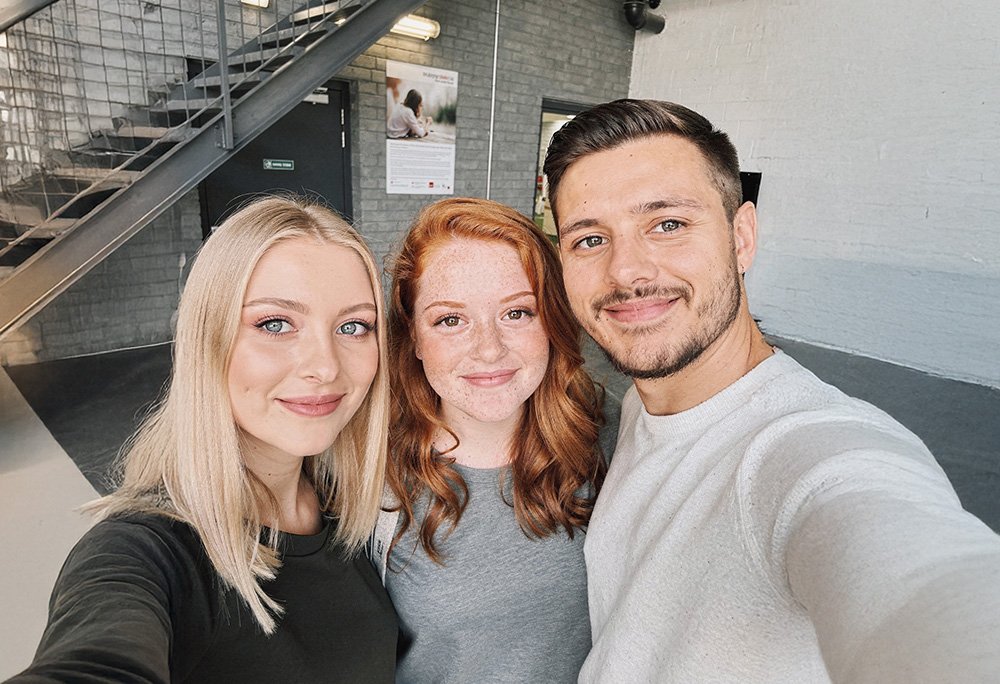
Guests get spooky makeup, and their clothes are replaced with looks resembling zombies, witches, wizards or something similar.
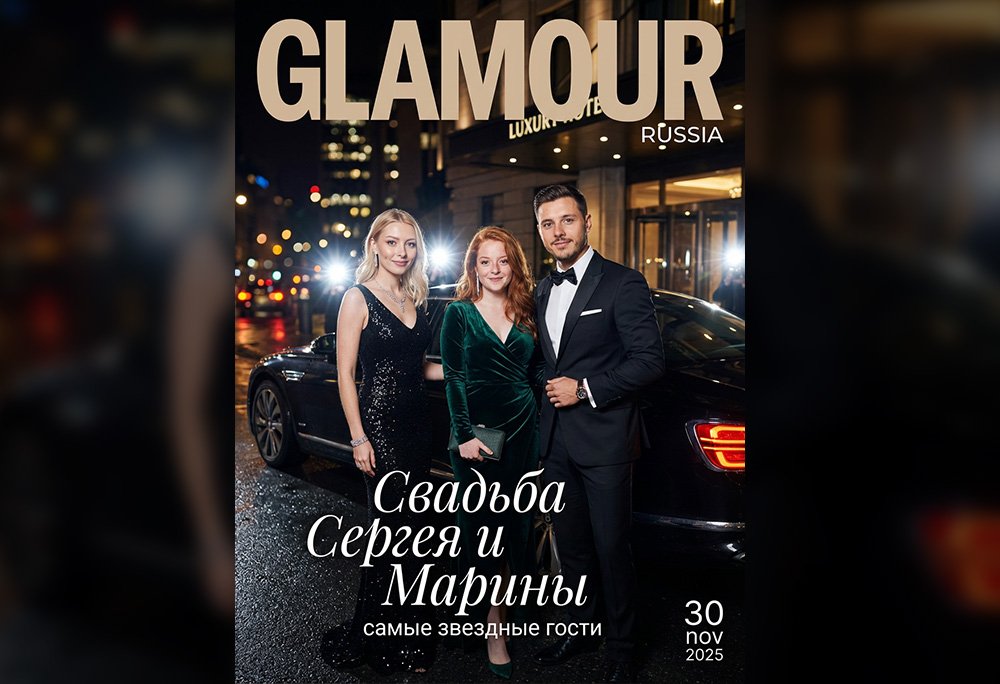
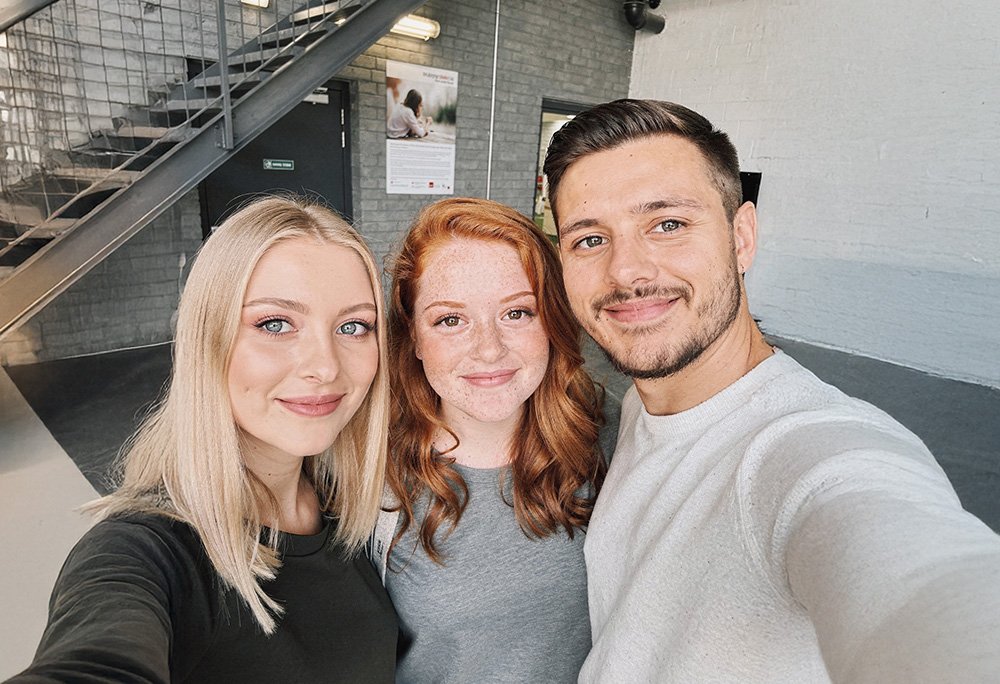
Guests step out of a black luxury Bentley as if arriving at an exclusive event. The theme is reflected in the text, and the template is unique and adapted to the specific occasion. This is exactly the case where custom template development is needed — the price can be agreed with a manager, roughly from 1000 to 3000 ₽ depending on the theme's complexity.
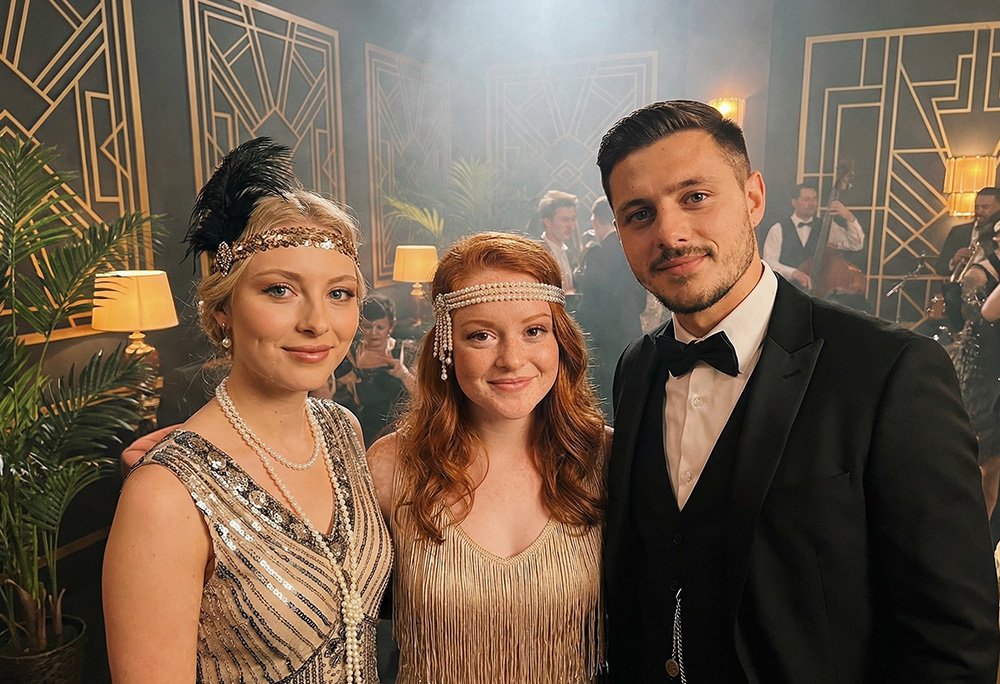
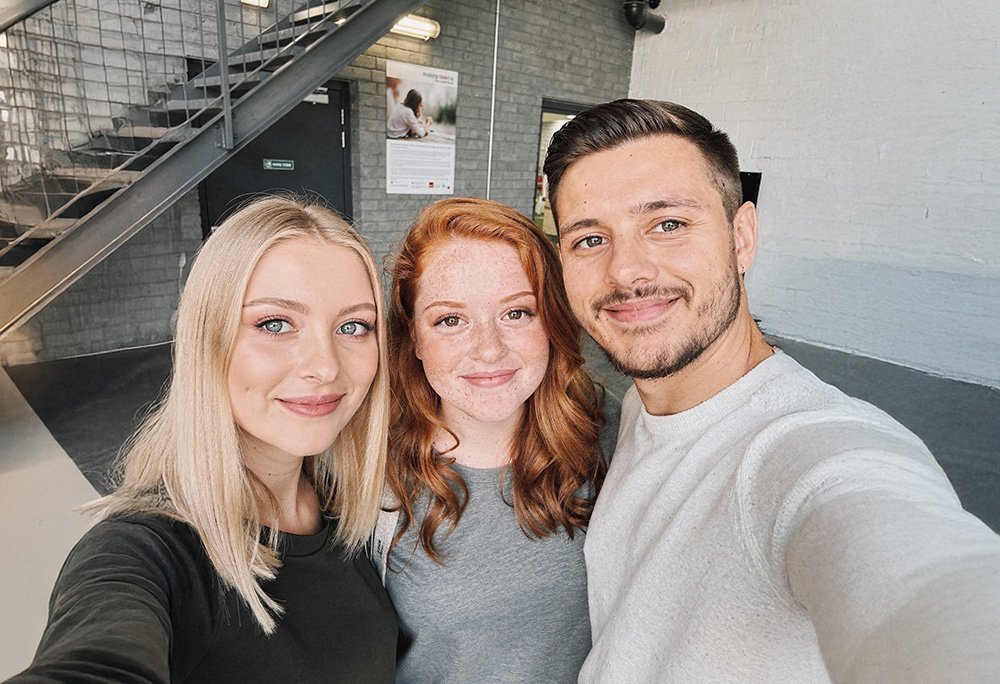
A glamorous party in the style of the roaring 1920s, inspired by The Great Gatsby.
We took the best of classic solutions and added the magic of neural networks
| Lookt.ru | Photo booth | Instagram hashtag | A regular photographer | |
|---|---|---|---|---|
| Queue | ✅ No | ❌ Yes |
✅ No |
❌ Yes |
| Speed | ✅ 15 секунд | ❌ Slow |
✅ Fast |
❌ После мероприятия |
| Posting on social media | ✅ Not needed | ✅ Не нужна |
❌ Required |
✅ Не нужна |
| Neural network effect | ✅ Yes | ❌ No |
❌ No |
❌ No |
| Price | ✅ От 5000₽ | ❌ Expensive |
✅ Free |
❌ Expensive |
| Photo on the big screen | ✅ Да, мгновенно | ❌ No |
⚠️ Sometimes |
❌ No |
| Appeal for the guest | ✅ Ha, look how the AI transformed us. You can even download it and post it on social media! |
✅ A free paper photo |
❌ no |
❓ Someday find yourself in some photo report |
It's simpler than it seems — all you need is a screen with internet
An ordinary speed for loading images (even mobile internet will do). Wi-Fi for guests is optional — they use their own mobile internet.
You get access to the moderator panel, where you can manage the gallery right from your phone
See all the photos currently in the gallery and who uploaded them

You can delete any photo in one click — the deleted photo disappears from the screen instantly
Temporarily disable photo uploading (for example, during a ceremony) or stop the gallery on screen. Resume at any time.
*While uploading is disabled, the plan time is not paused. Uploading is disabled automatically according to the schedule chosen in the plan.
Download all photos as an archive or individual photos. Share them with guests after the event.
Plan time = the time when guests can upload selfies
The gallery on screen keeps running! You can keep it on all evening, all night or for the whole event — it's free.
Summer sale
Price расчитана на мероприятия около 10-40 человек
Choose a convenient format: instant launch in your dashboard or individual preparation with a manager.
Great if you need to quickly switch on a ready-made solution for a birthday, party or family event.
Sign up, pick a plan in your dashboard and pay. The project activates immediately, with no waiting.
Pick any ready-made style from the catalogue. There are hints inside the dashboard, so basic setup takes a few minutes.
You get two links: one to the gallery for the screen and one to the moderation panel on your phone. Guests scan the QR code and send selfies.
Plan minutes are used only while photos are actively uploading. You can pause at any time.
If you need something exclusive, branded templates, a complex scenario or full on-site support.
You agree the event format with a manager. You can order unique templates for the party theme or the company brand.
We set up the project for your scenario: templates, launch, timings and ready links for the screen and moderation.
1–2 days before the event we check everything on your equipment and, if needed, help with final tweaks.
For large events additional support is available so the team can focus on guests, not on the tech.
Guests will love the live AI gallery! It's not just photos — it's interactive entertainment everyone will remember.